
RealCam Hub for Windows.
The Hub connects your phone to your games. One installer sets it up and keeps it up to date.
Version
Not a member yet? Join on Patreon
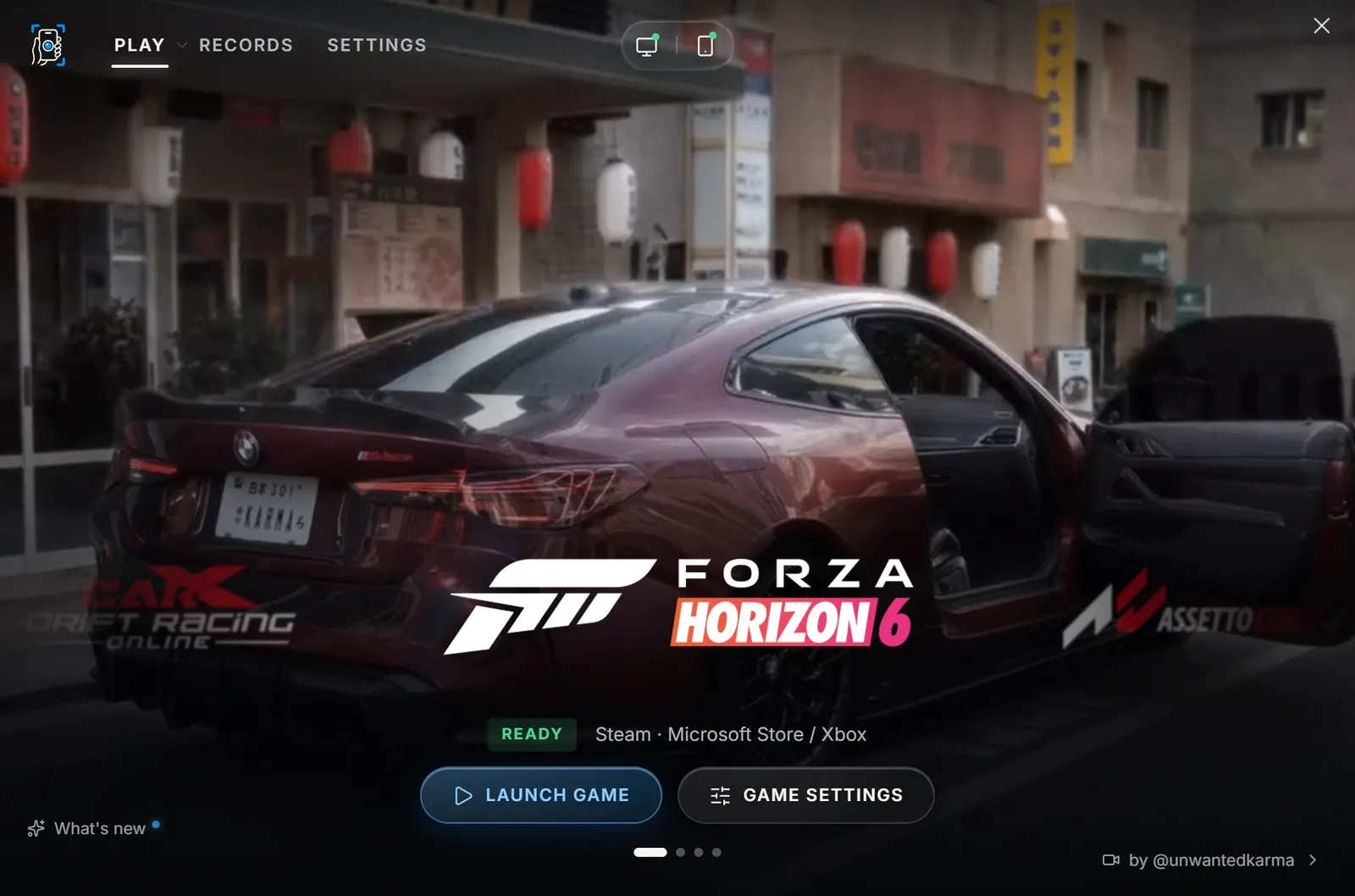
The installer, screen by screen.
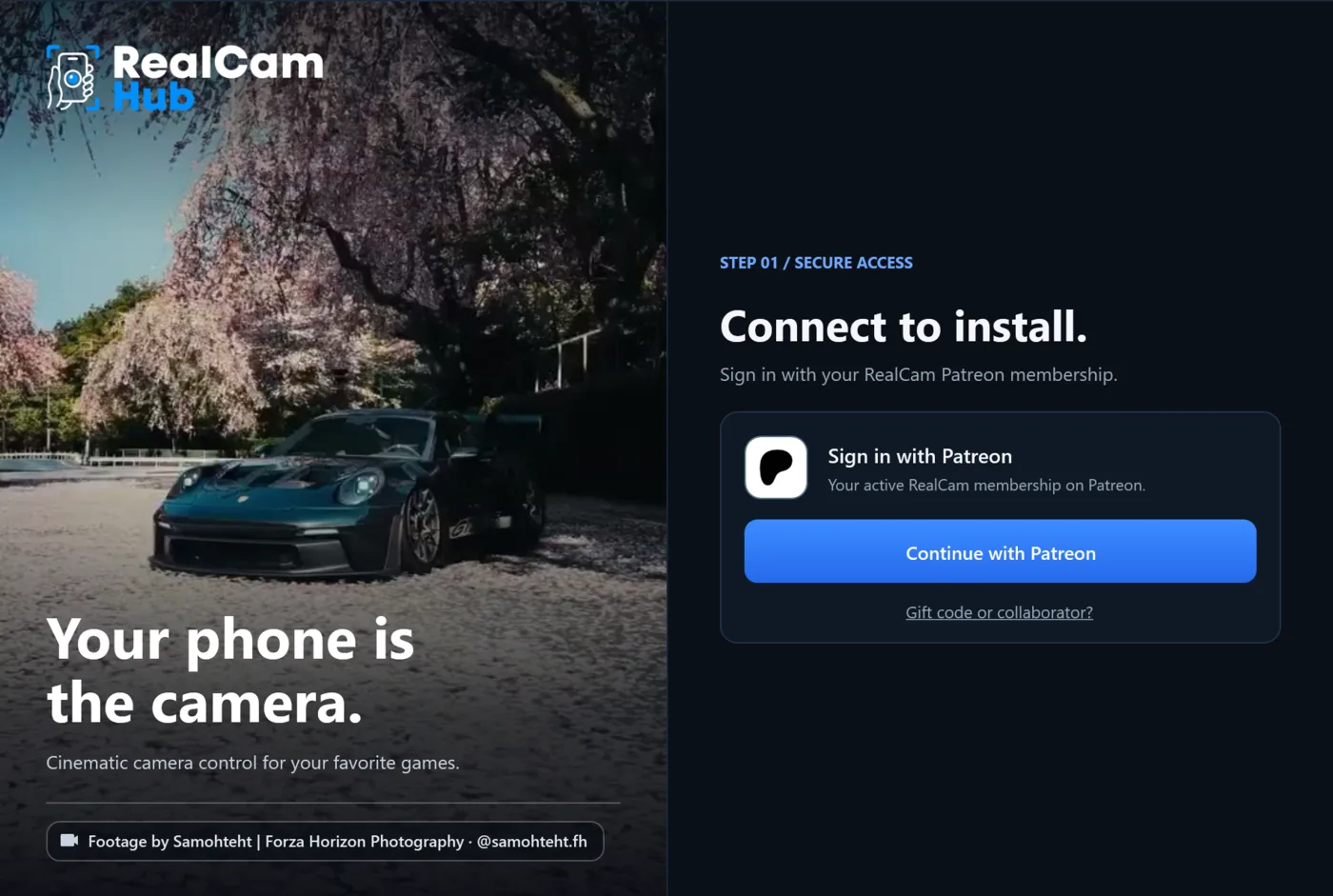 01
Connect to install
Continue with Patreon, with the account that holds your membership. Collaborators use the access code supplied by RealCam.
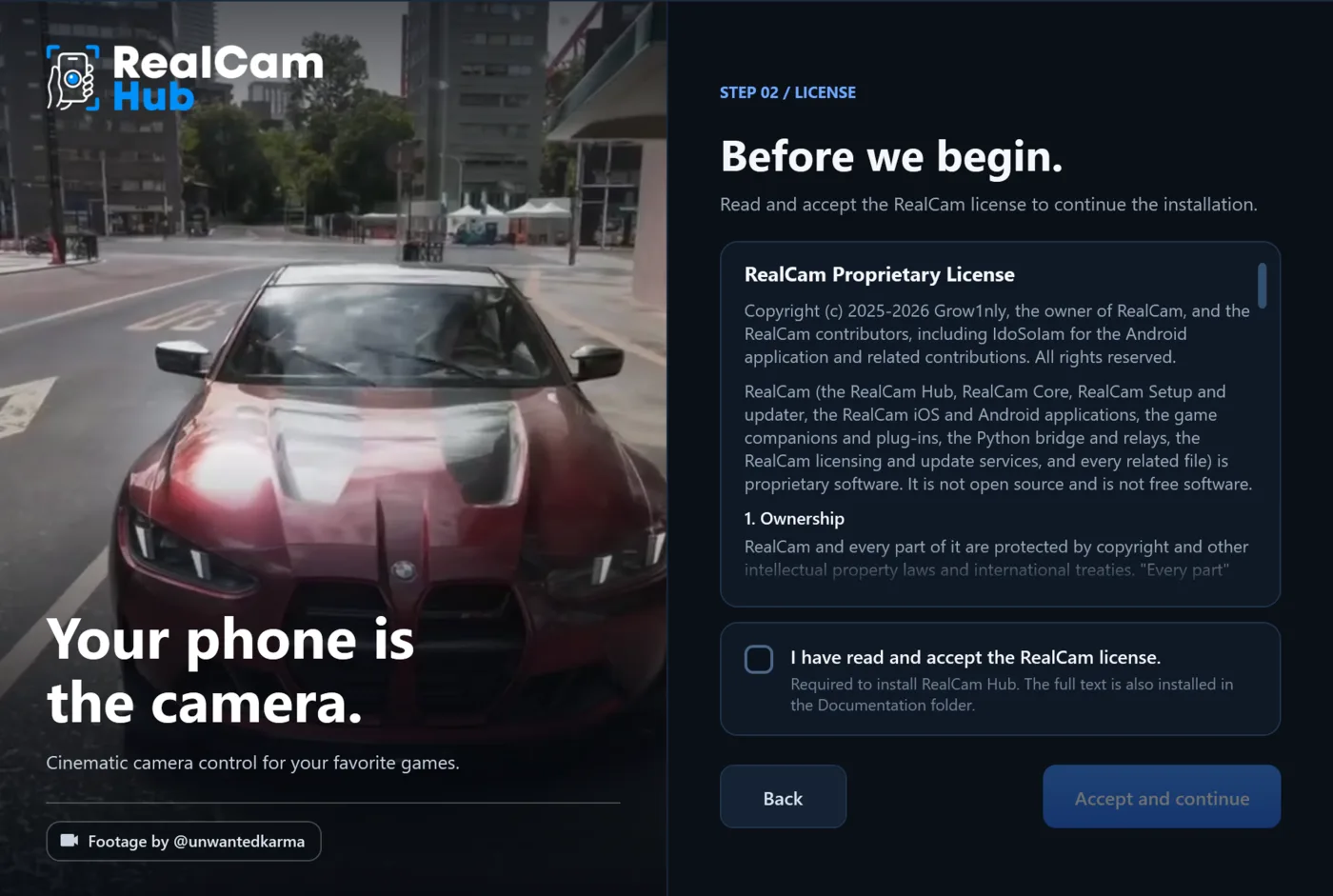 02
Accept the license
Read it, tick the box, continue. The full text is also installed with the Hub.
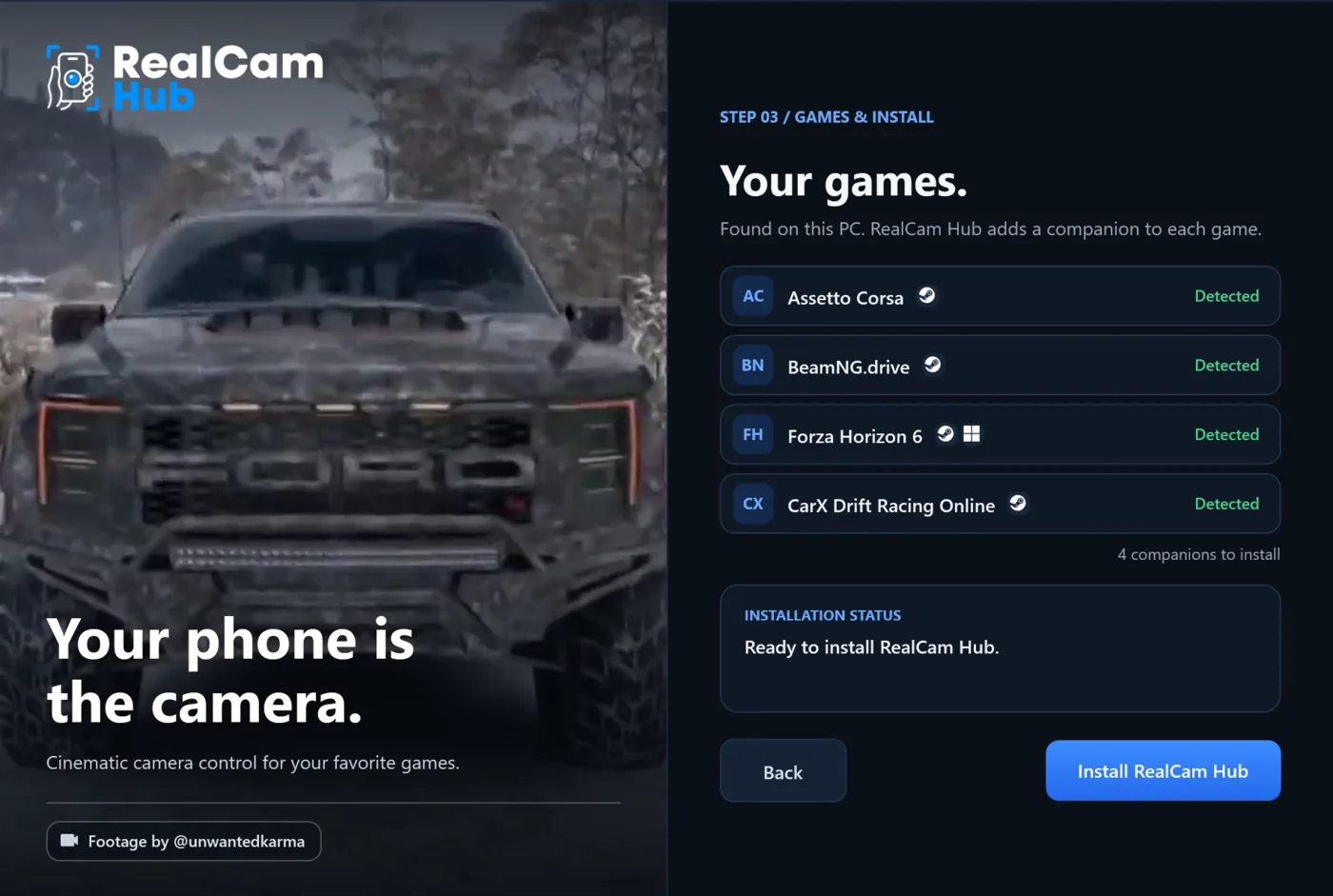 03
Your games
Setup finds the supported games on this PC and adds a companion to each.
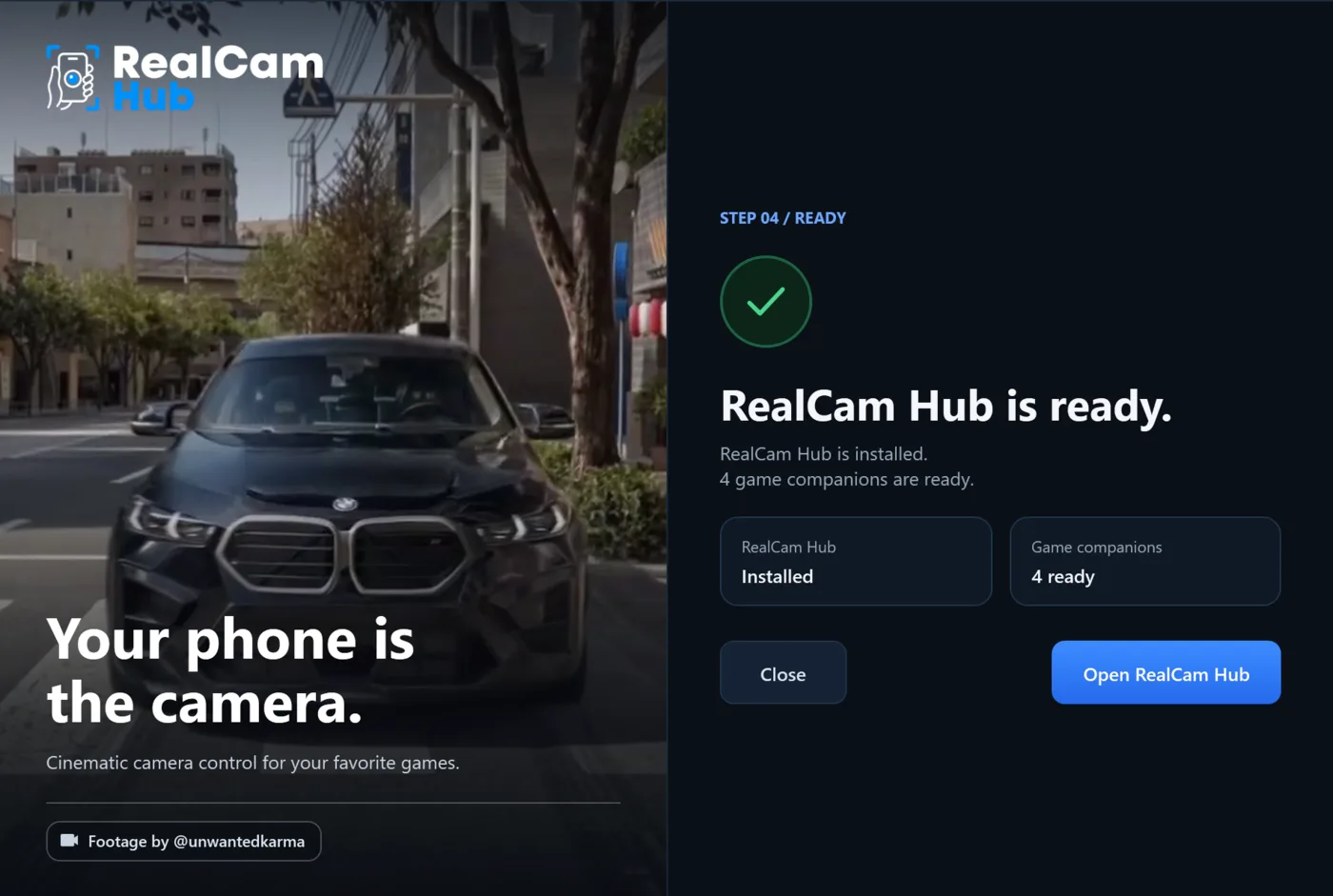 04
Ready
Open RealCam Hub. Then get the app on your phone and pair it.
Before you start.
- Windows
- Windows 10 (version 2004, build 19041) or Windows 11, 64-bit. The PC can be on Ethernet while the phone is on Wi-Fi.
- Games
- Forza Horizon 6 (Steam and Microsoft Store), Assetto Corsa, BeamNG.drive and CarX Drift Racing Online.
- Membership
- An active paid RealCam membership on Patreon, with the same account in the installer and on the phone.
- SmartScreen
- Windows may warn you about the installer: choose More info, then Run anyway.
- Updates
- A button appears at the top right of the Hub when a new version is ready. Nothing installs until you say so.