
RealCam for Android.
Download the app straight to your phone, then pair it with RealCam Hub on your PC. Open this page on the phone for the simplest install.
Version
Not a member yet? Join on Patreon
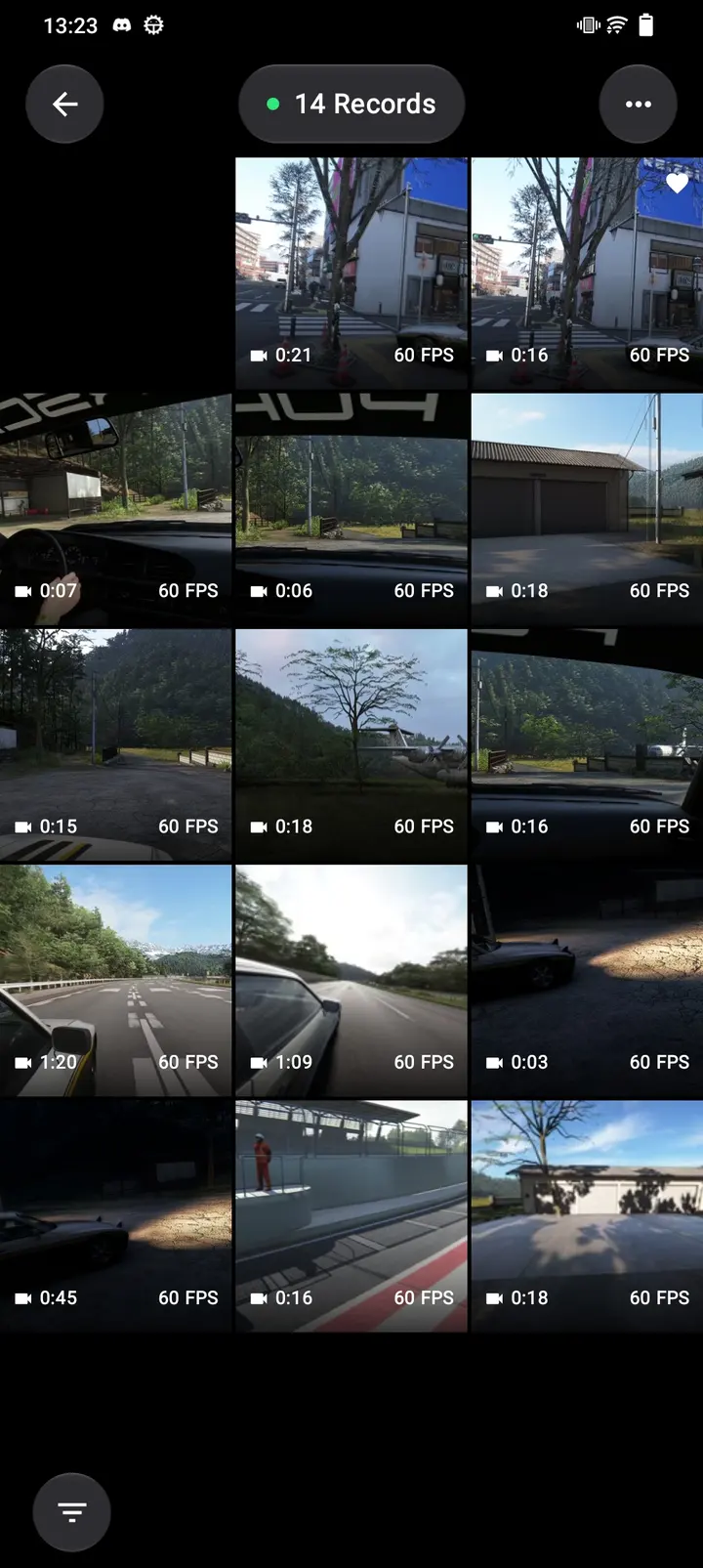
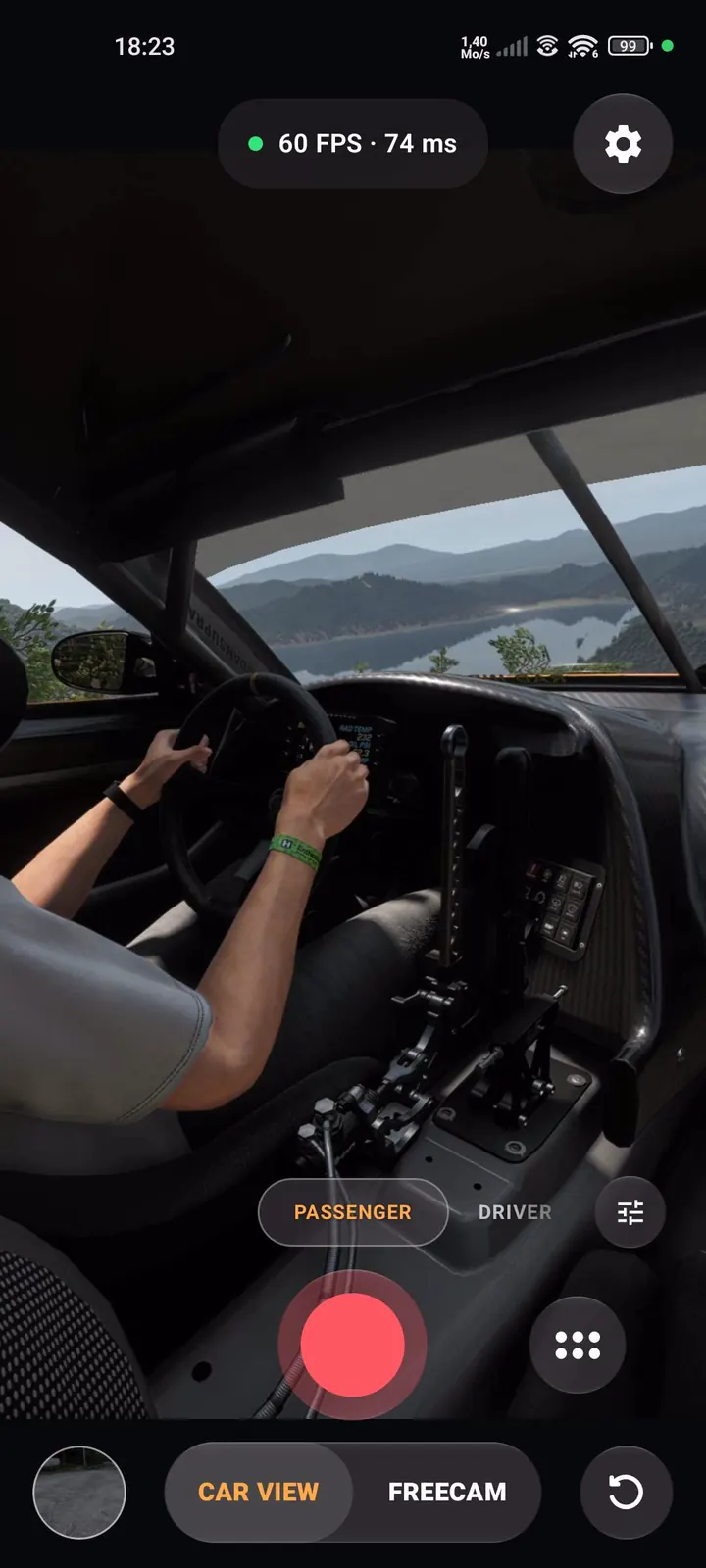
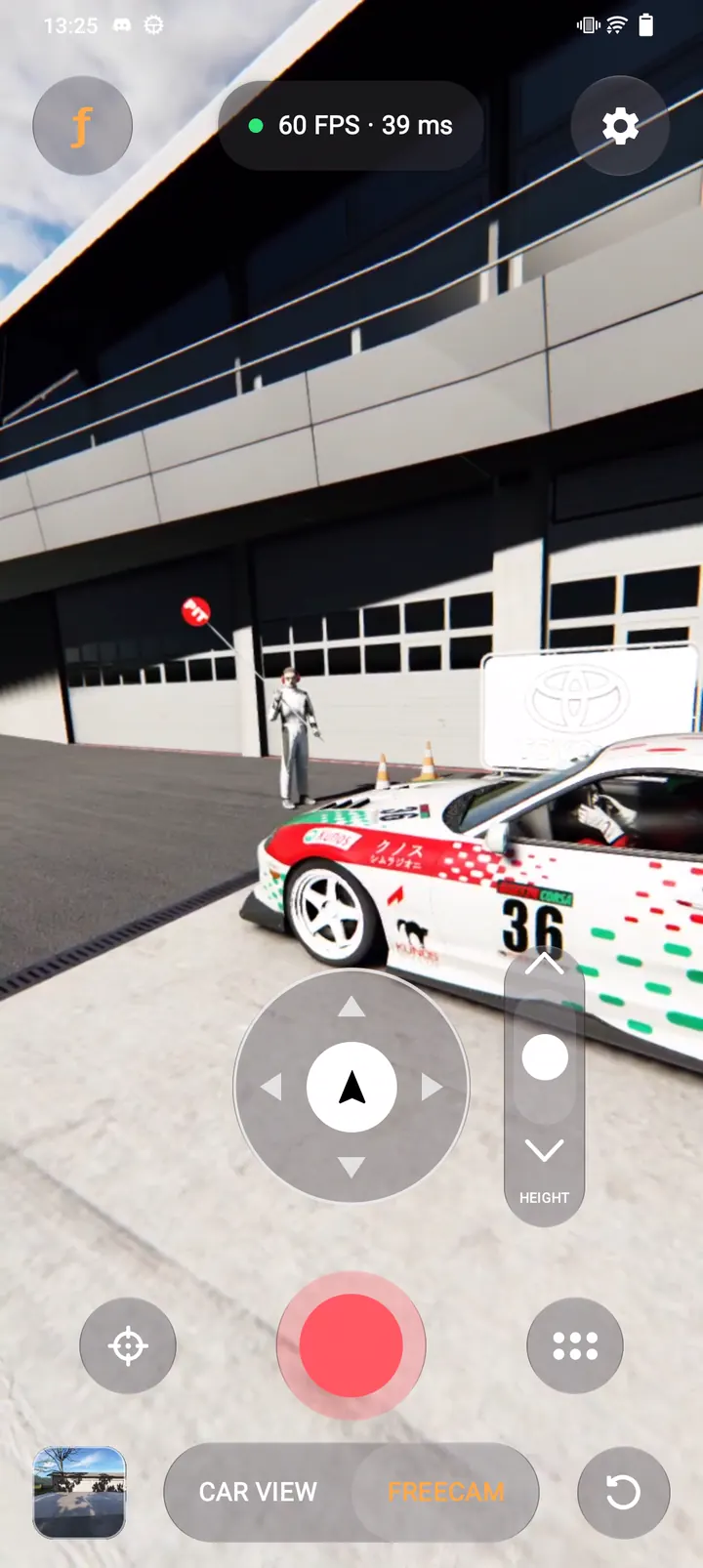
From the file to first shot.
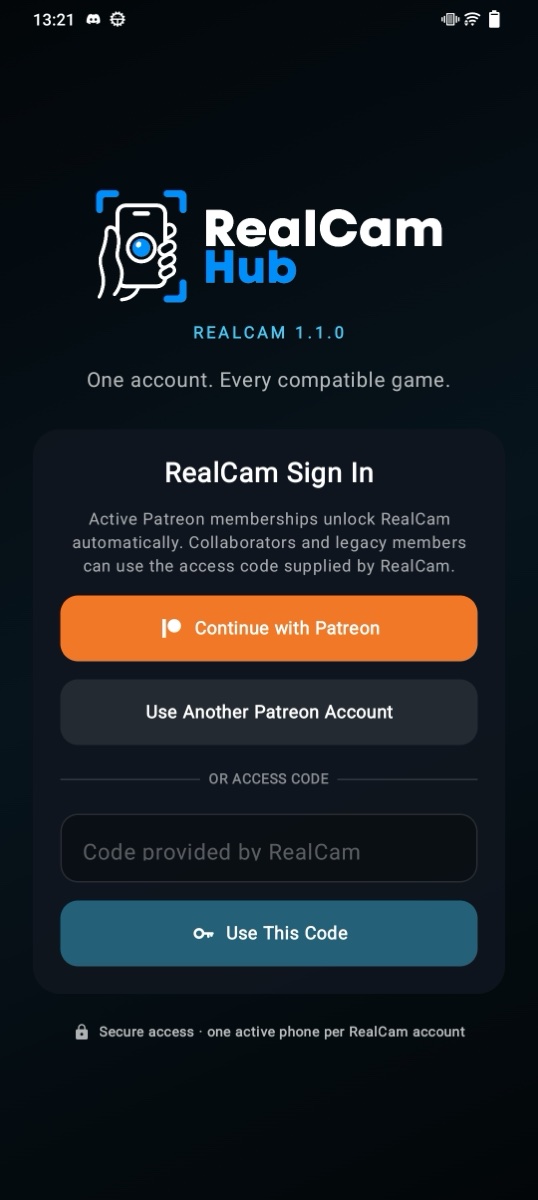 02
Sign in
Continue with Patreon. Collaborators and legacy members use the access code supplied by RealCam.
 03
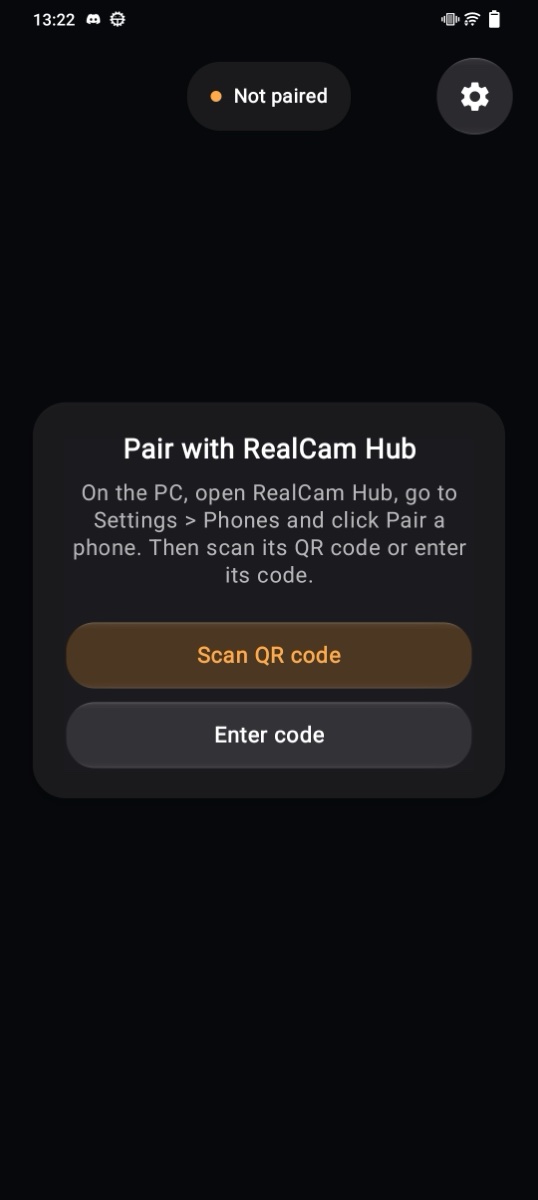
Pair with the Hub
On the same network or over USB. In the Hub: Settings, Phones, Pair a phone. In the app, tap Pair with RealCam Hub and scan the code. No Hub yet? Get it for Windows.
- 04
Shoot
When the Hub shows your phone connected, launch a game and tap Record.
Before you start.
- Android
- Android 8.0 or later, on the same network as your PC. The Android app is experimental.
- Tracking
- With ARCore the phone also follows you as you walk. Without it, rotation tracking and on-screen movement controls.
- Membership
- An active paid RealCam membership on Patreon.
- One phone
- One PC and one phone at a time. Signing in on a new phone replaces the old one.