RealCam Hub.
It runs on your PC, talks to your games and keeps your shots. Everything RealCam does starts here.
Play.
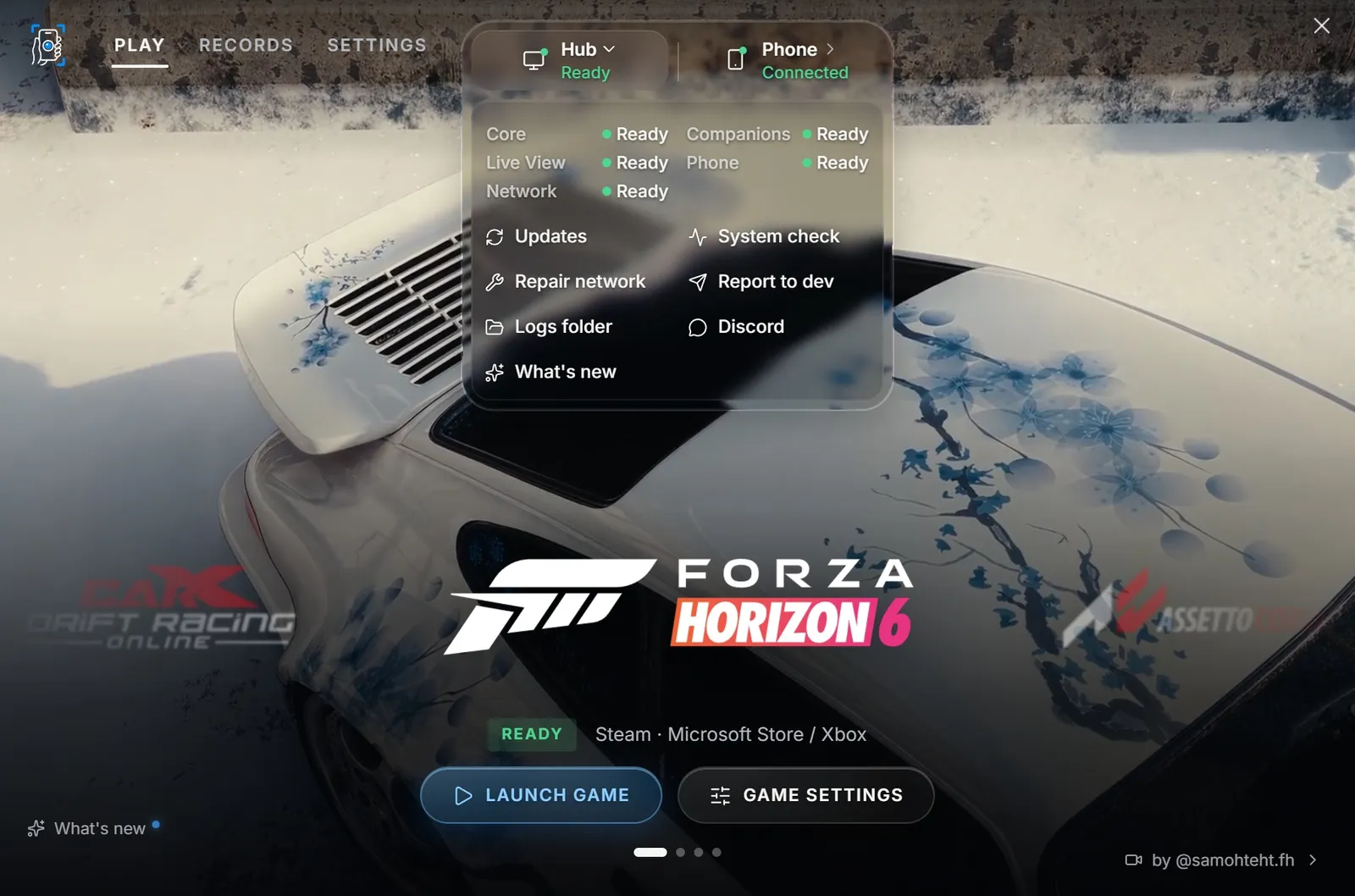
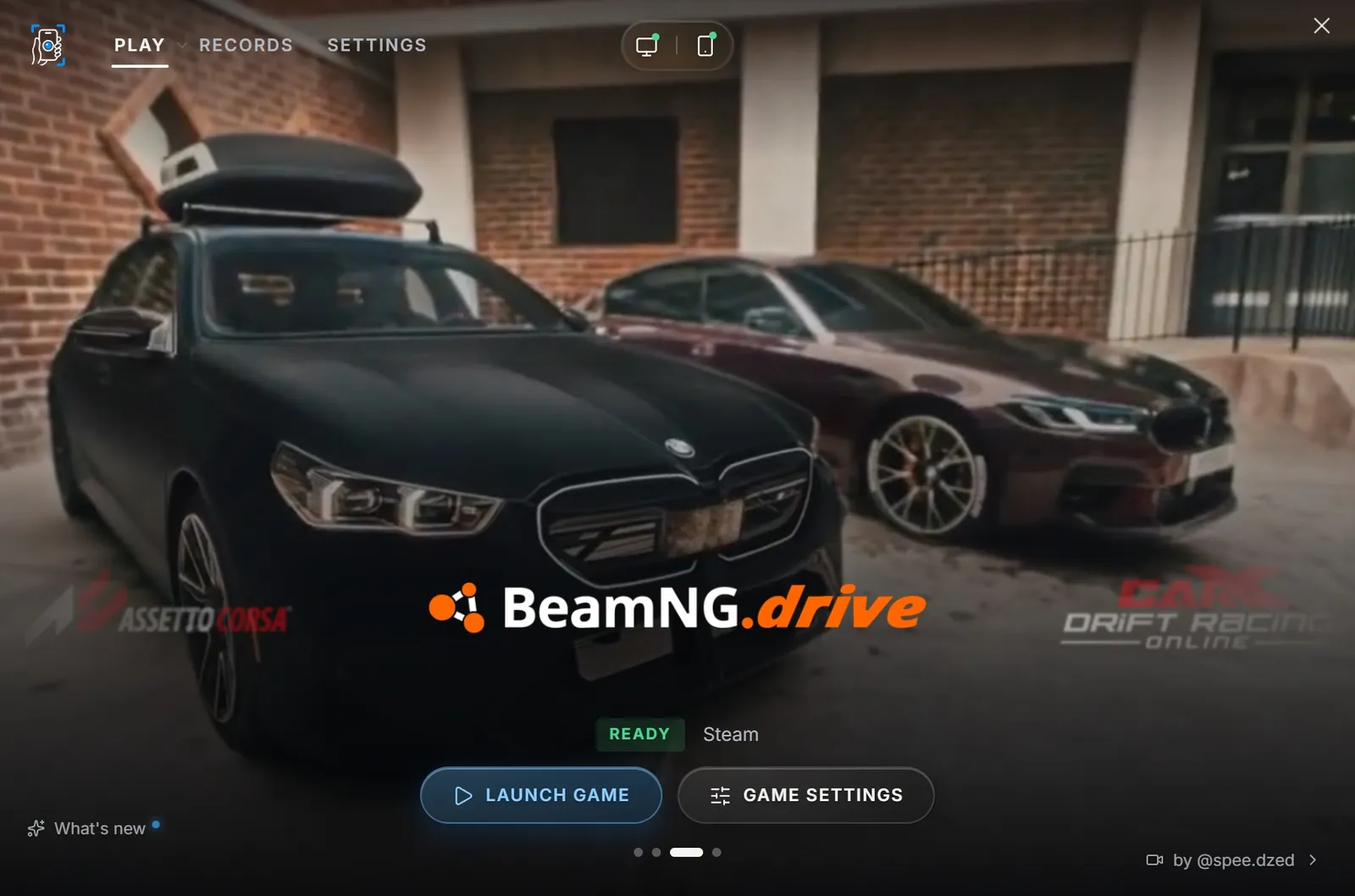
Every supported game in one carousel, with its footage behind it. The Hub checks that the game is ready, then launches it.
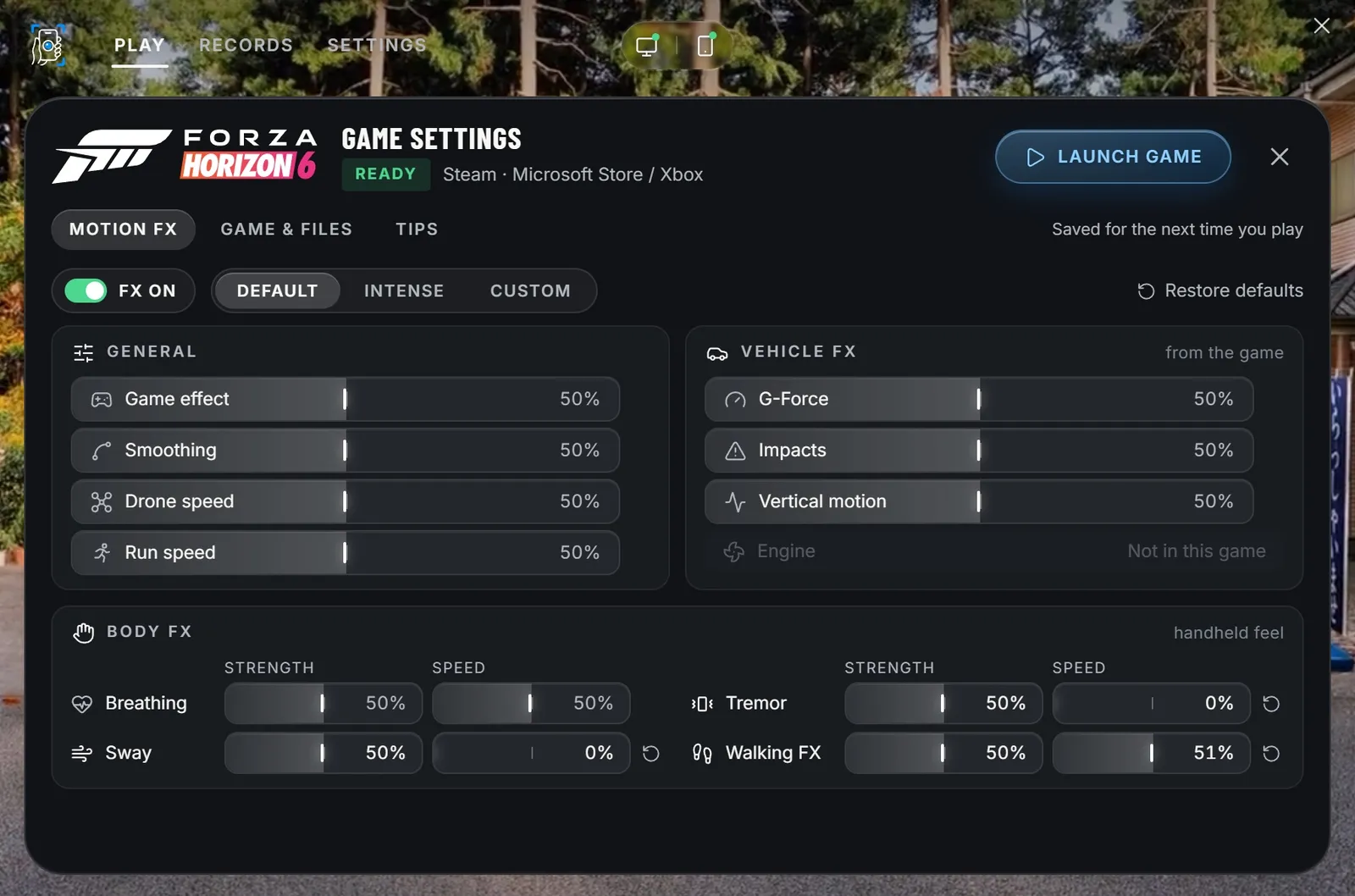
One setup per game.
Motion FX reads the game's telemetry: G-forces, impacts, vertical motion. Add breathing and tremor for a handheld feel. Pick a preset or make your own, saved for the next time you play.
Records.
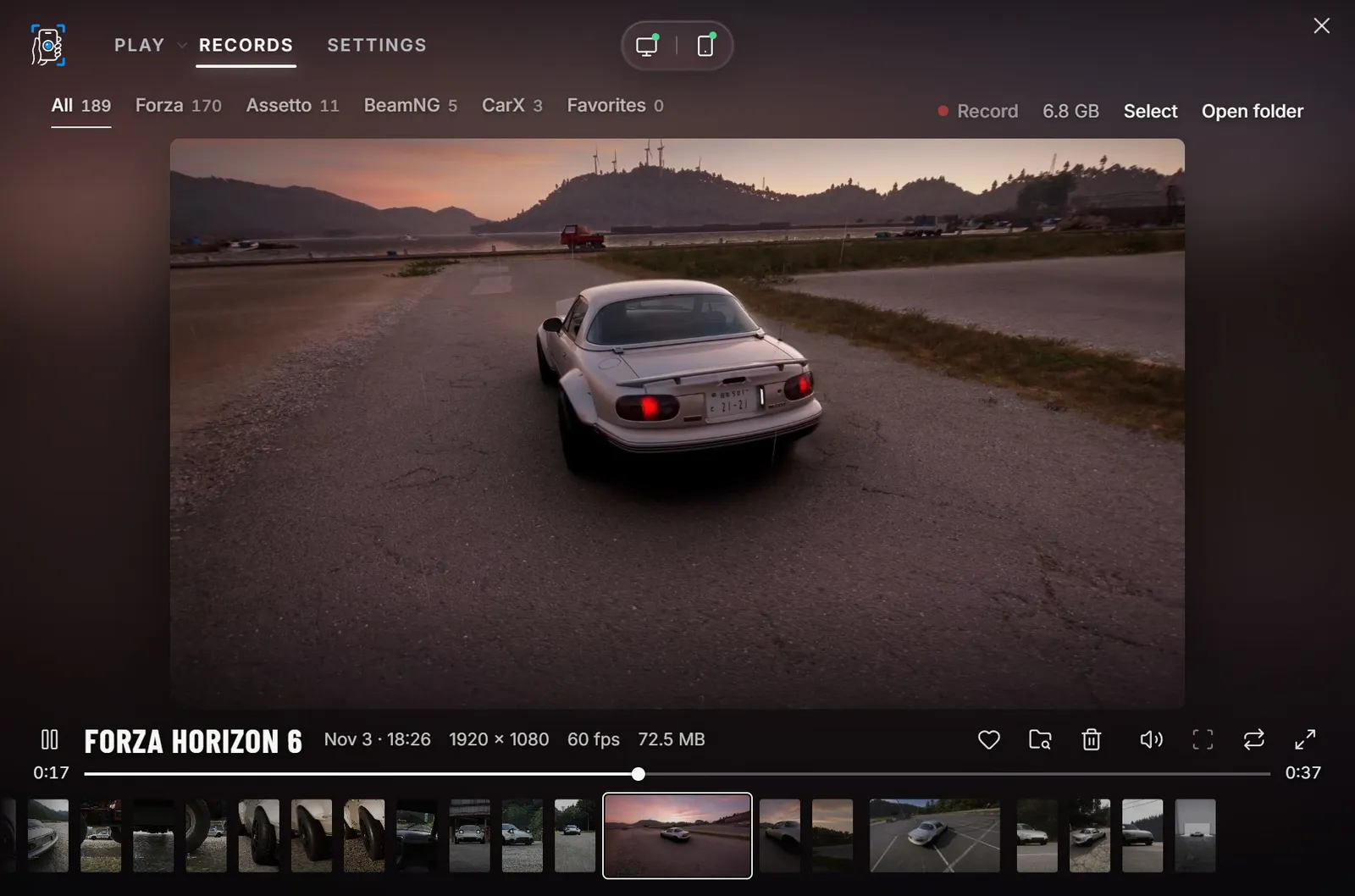
Every clip you shoot, saved on your PC. Sort them by game, keep your favorites, and watch them right in the Hub.
Your camera, your way.
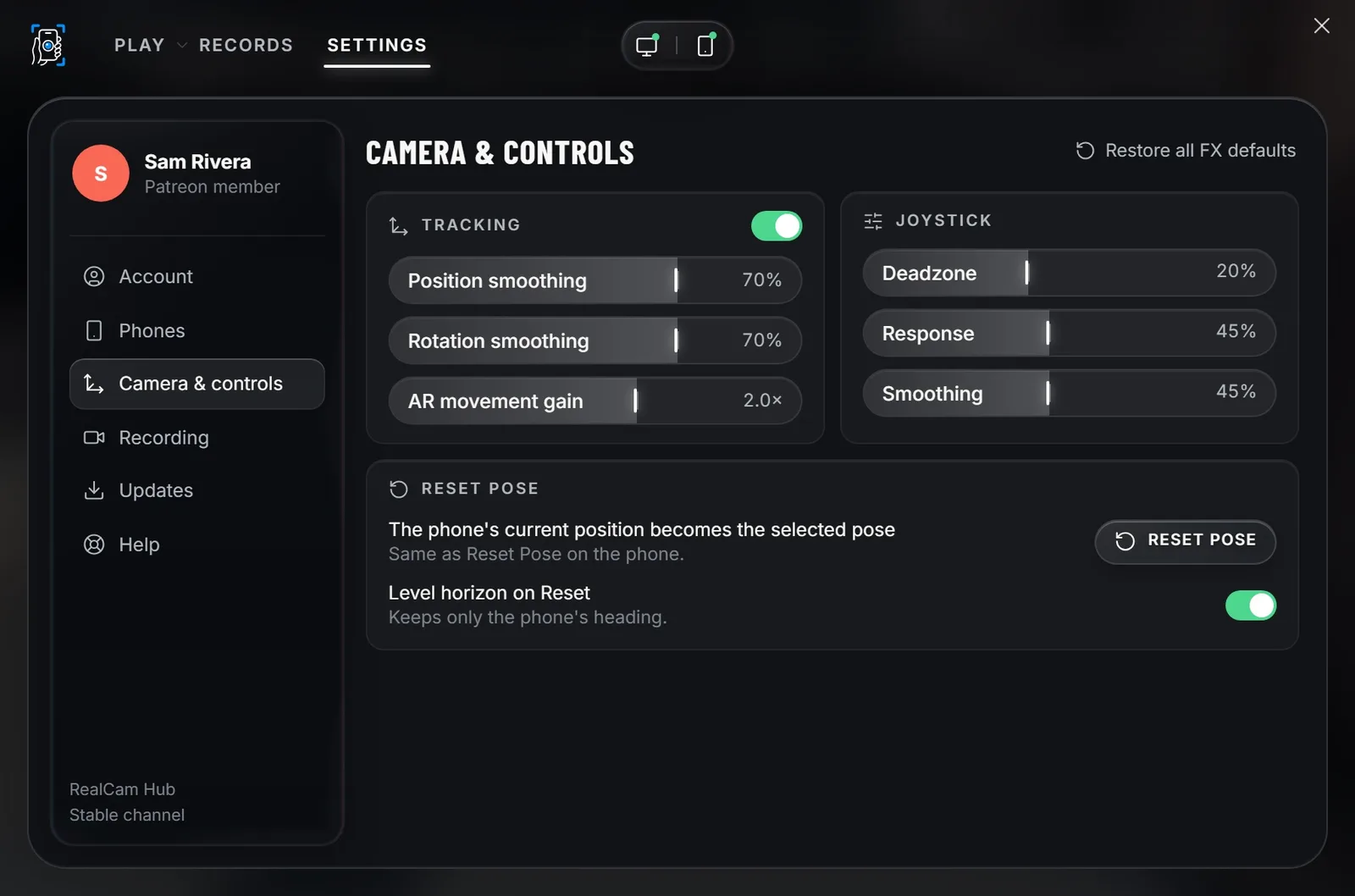
Reset the pose from the PC, level the horizon, set the tracking smoothing, and choose how far the camera moves when you walk.
Always in view.
The badge at the top shows how the Hub and your phone are doing. Open it for a system check, a report or the logs. Updates land there too, and install when you choose.